 Search
 Contact


Red Heading (select ‘formats’ > ‘Red Heading’)
Introduction paragraph – select ‘formats’ > ‘Intro Paragraph’ …..
More paragraphs here…
'Enlargeable Image Callout' block (Compact Image Style)

'Enlargeable Image Callout' block (Standard Image Style)
Add a descriptive caption for the image here – which will also be shown in the popup
'Content Callout' Block
Use the ‘design and layout’ dropdown to select callout alignment.
Use the heading colour option – to make the heading red.
Click ‘add callouts’ to add callout boxes.
And use show CTA to add a row CTA.
Callout Block
Content for callout block
- Bullet
- Bullet

'Testimonial with image' block – with 'full size' cover option for image.
Name, Role – Company Name
'Testimonial with image' block – with 'contained logo' option for image. Use 'Logo max width' to fine tune logo size.
Name, Role – Company Name'Diagram Strip' Block
Use the heading colour option – to make the heading red.
Click ‘add row’ to add a row, then ‘add card’ to start adding callout cards.
And use show CTA to add a row CTA.
On rows, select ‘Show arrows between cards’ to show arrows, and ‘wide card layout’ if there is only one card in a row.
Diagram Block Card
Block card – optional body copy (card showing optional step callout).
- Bullets
- Bullets
- Bullets
Diagram Block Card
Block card – optional body copy (card showing optional step callout)
- Bullets
- Bullets
- Bullets
Diagram Block Card
Block card – optional body copy (card showing optional step callout)
- Bullets
- Bullets
Diagram Block Card (wide option)
Wide card automatically splits bullets to columns.
- Bullet 1
- Bullet 2
- Bullet 3
- Bullet 4
- Bullet 5
‘Text callout’ block – for highlighting featured text.
- Bullets
- Bullets
'Logo callout' block (use max height to fine tune logo size)




'Contact Form' Block
Oops! We could not locate your form.

Download our PDF Brochure
Download a full overview of our services and the benefits of working with Krome.
Related Services

The Strategic Advantages of Managed IT Services for SMBs
A strategic guide to help IT leaders assess how an MSP can support their organisation’s needs.
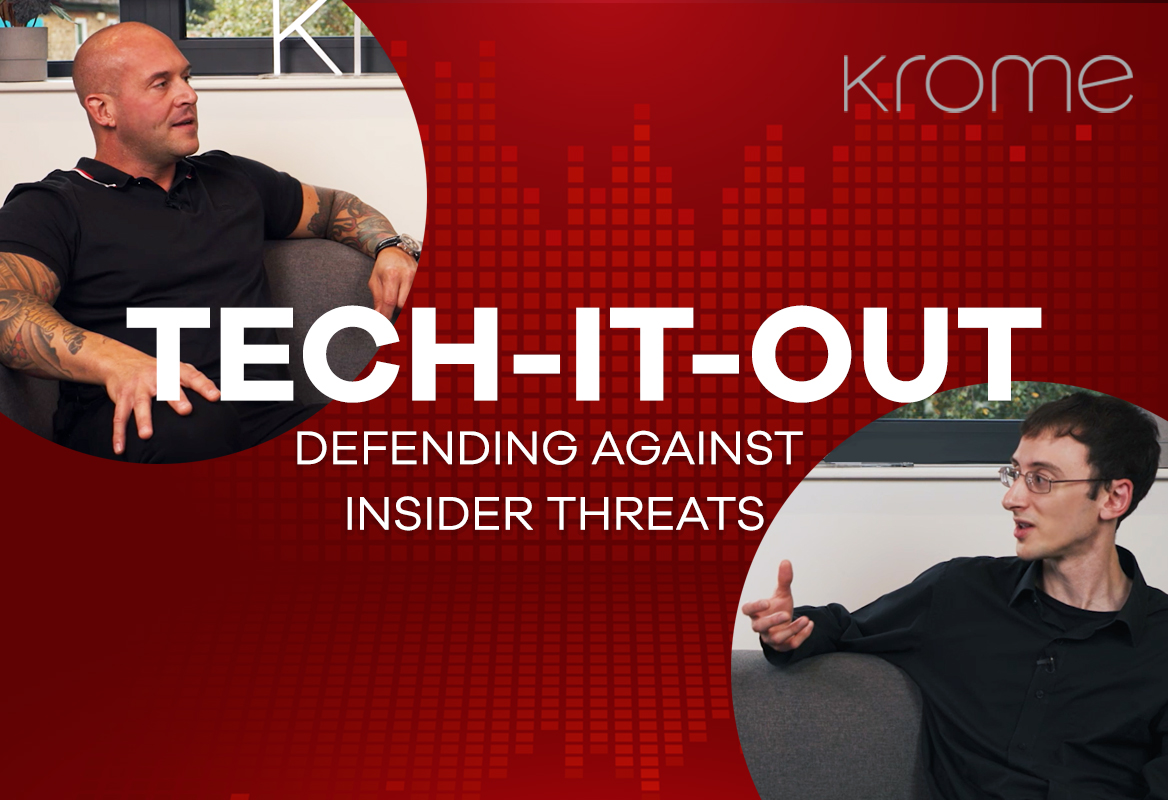
Podcast: How To Defend Against Insider Threats
In this episode we delve into the complex and ever-present world of Insider Threats.

Krome Achieves CREST Certification for SOC Services and Vulnerability Assessments
Krome proudly announces its recent attainment of CREST certification for its SOC (Security Operation

Managed IT Services Provider vs. In-House IT: Which is Right for Your Business?
In today’s rapidly evolving technological landscape, with more and more cloud or “as-a-service

Podcast: Darktrace Respond Network Overview/Darktrace Antigena Demo
In this Krome Cast: Tech-IT-Out episode, we discuss the enterprise cybersecurity threat detection to
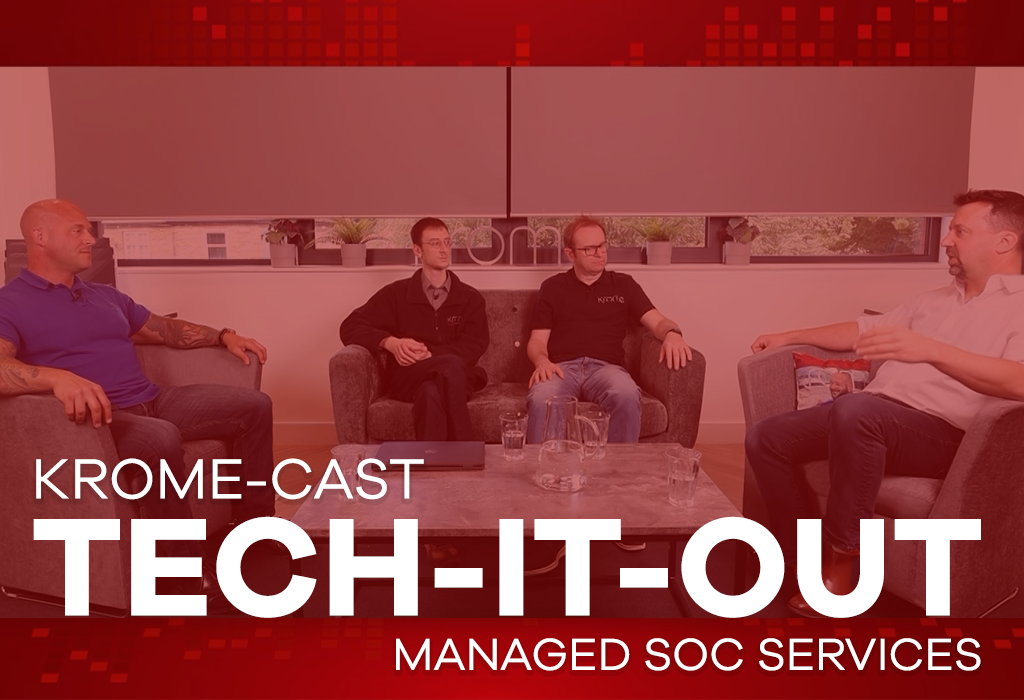
Podcast: Managed SOC Service: Augmenting Technology with a Human Cyber Response
In this episode of Krome Cast: Tech-IT-Out, we discuss the importance of having a human cyber respon


Want to know more?
For more detailed information on how we can strengthen your security defences, get in touch with us today 01932 232345.